Well, this is awkward. Here it is, 2020, and the last post I made was in 2013. :) The last post occurred just before I started a very intense and stressful job. I’m in a better place now and am excited to bring this place back to life in my spare time!
I thought I’d start by posting a project that I recently worked on: a temperature blanket representing my parents’ first year of being married (they recently celebrated a milestone anniversary, so this was their gift).
I started out by gathering the high temperature for each day during the time period the blanket was going to represent. For this, I used The Old Farmers Almanac. This was a bit tedious but worth it for sure.
For the yarn, I ended up going with Caron’s “One Pound” acrylic yarn. The colors I chose (from left to right) were: Raspberry Wine, Claret, Hollyhock, Deep Violet, Midnight Blue, Royalty, and Blue Danube. I ended up getting pretty close to using all of the Claret and Deep Violet, but I had a bunch left over of every other color.

To plan things out, I made a little system in Excel which allowed me to “simulate” a virtual blanket based on the colors and temperature ranges that I selected. Here’s a screen capture of what this looked like: the “inputs” are in the upper left while the dynamic simulated blanket is in the bottom right.

The Excel system worked pretty well. It required just a few inputs after setting it up:
- “Temp range size”: this is how many degrees (in Fahrenheit) I wanted each color to span.
- “Lower / Upper temp bound”: this represents the bottom and top of each color’s temperature range. All of the black values are calculated automatically and are driven by the temp range size, the 106 and 11 degree values (the highest and lowest high temps occurring in the data), and the 39 degree value (chosen to limit how many of the lightest blue rows I ended up with).
- Colors! You can’t really see it in the picture, but each row of the simulated blanket has a number (the high temp for that day), and then conditional formatting uses the lower and upper temp bounds to assign a fill color to that row. So for each color range, I just had to pick a representative fill color.
I played around with these inputs for a while until I liked how the simulated blanket looked. (I’m working on a “real time” temperature blanket for 2020, and it is a hot mess compared to this method!)
After I got my “pattern” settled, I busted out the yarn and hook and got to work! I started with about 200 chain stitches, and each row is entirely slip stitch (so that the blanket wouldn’t end up being insanely long). I always worked in the same direction – no turning the blanket, and I used a 6mm hook.
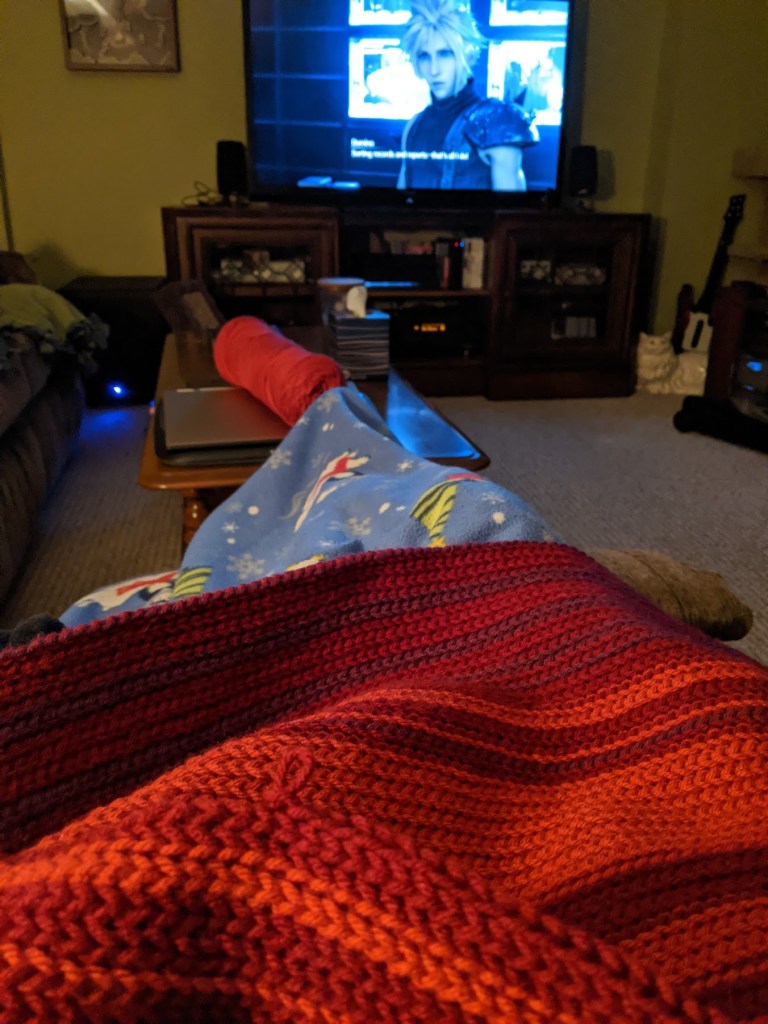
I will tell you that 366 rows of slip stitches wasn’t my favorite thing ever, but it was for a good cause. :) My husband was playing Final Fantasy VII Remake while I was working on this, which made for some good entertainment.
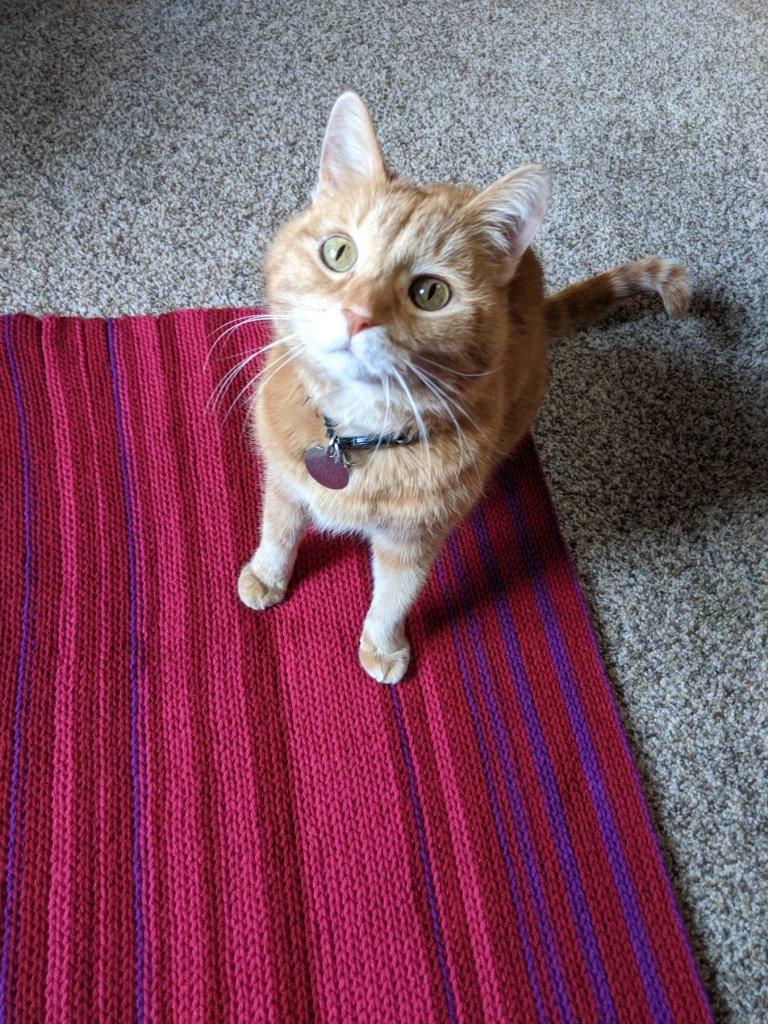
Of course, I couldn’t have done it without my trusty helper who was all too interested in testing the blanket-in-progress at all times.
And then finally… After sooo many slip stitches and a simple single crochet border… It was done!!
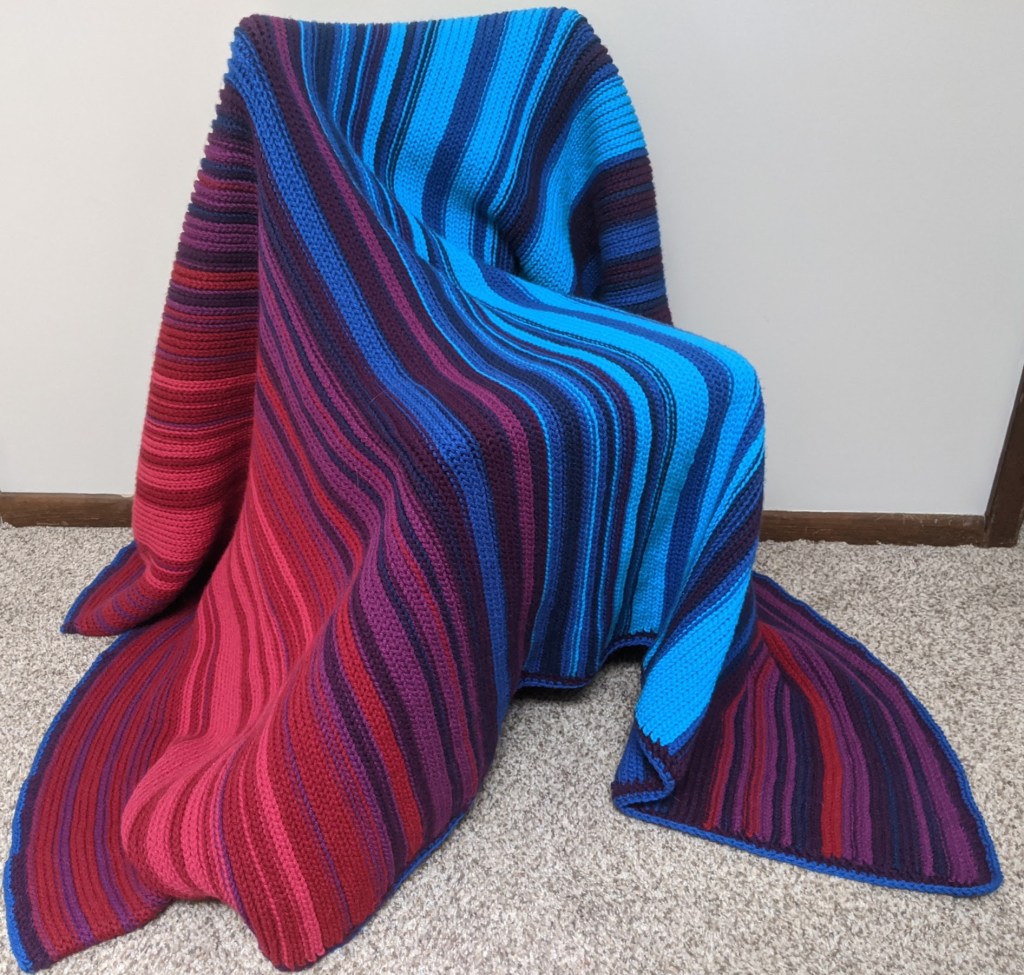
I ended up being generally happy with how it turned out. I like the colors quite a bit and the overall look of the stripes. One thing I regret a bit is that the blanket doesn’t drape as well as I would like. Turns out, my mom hangs it on her quilt rack and doesn’t really use it as a blanket anyway (“It’s too special!”).
Well, it feels good to be back online and sharing my projects with anyone who is interested! :) Hope you’re doing well in these strange times.
 Bethy Boodle